Homeschool Moment tutorials
Short videos and simple steps for iPhone and Android, one feature at a time.
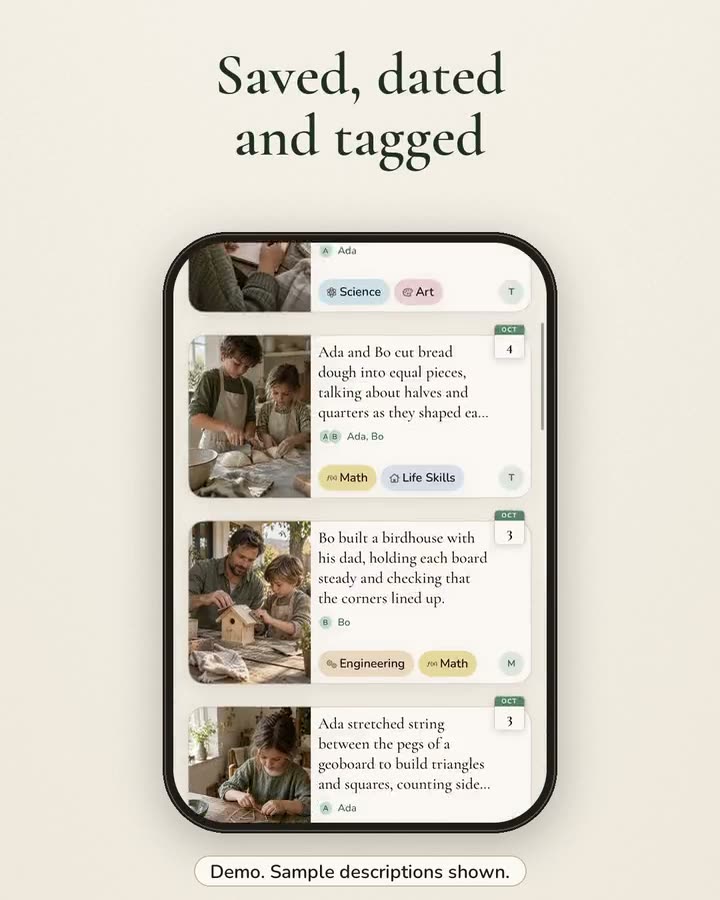
Save a moment from a photo
Pick a photo of today’s learning and our app intelligence writes the description for you. Step by step for iPhone and Android.
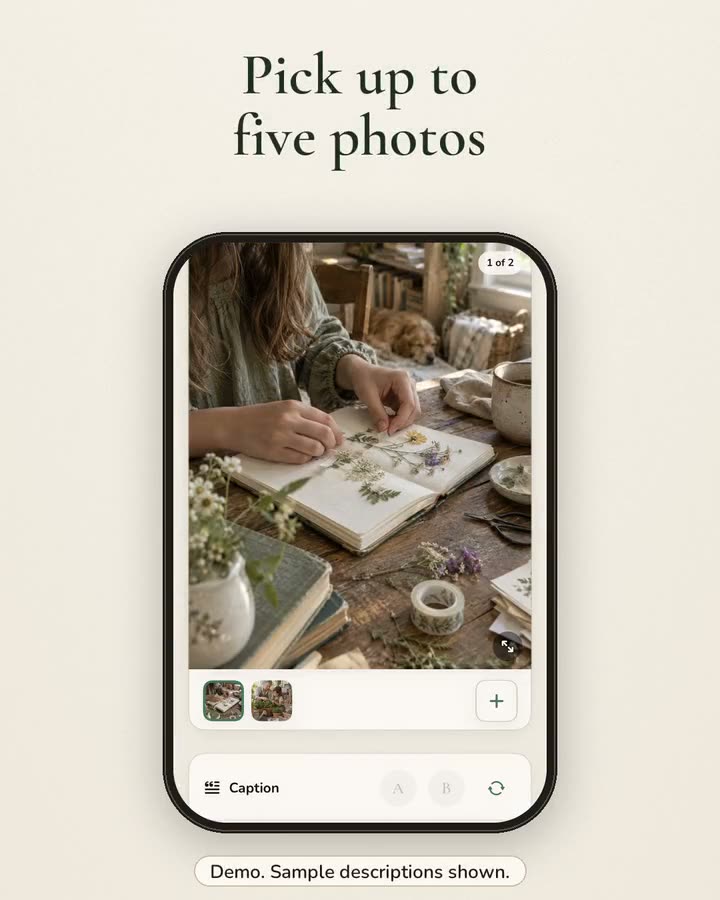
Add worksheets, videos and voice notes
Capture learning your way: photos, a worksheet PDF, a short video or a voice note, all in one homeschool moment. Steps for iPhone and Android.
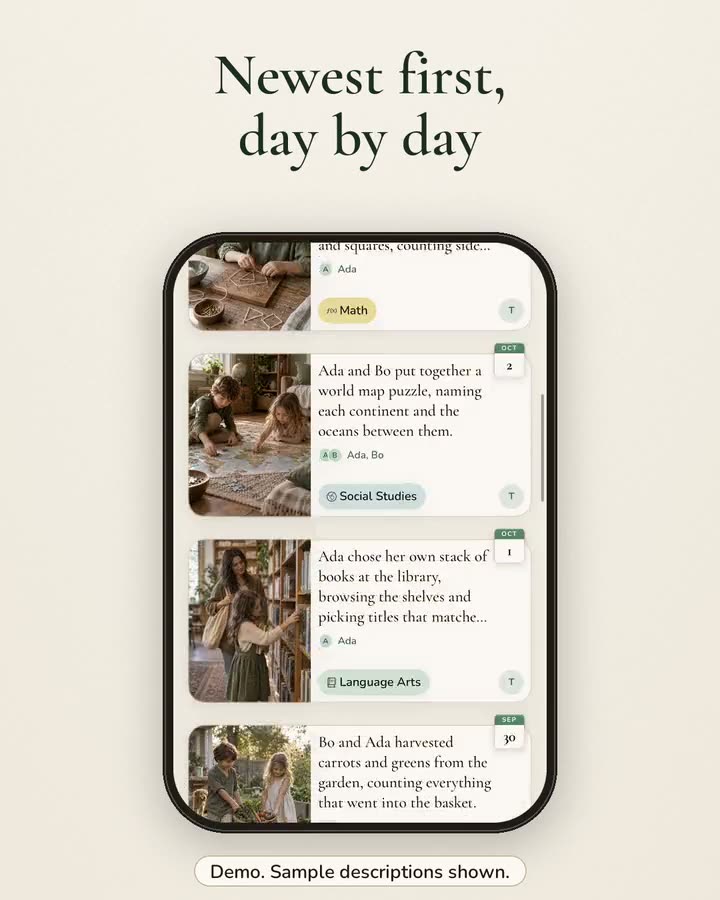
Find any moment on your timeline
Every moment you save lands on one timeline, newest first, tagged by child and subject. Here is how to browse it, open a moment and edit it.
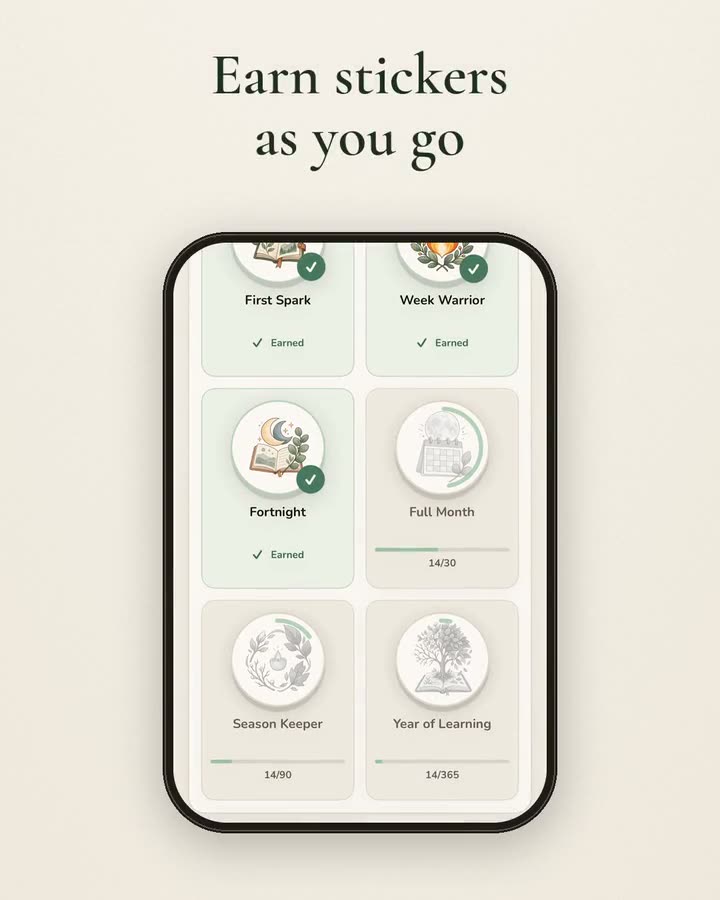
Streaks and stickers
Capture a moment each day to grow your streak, see your last 4 weeks at a glance and collect stickers with a story. Steps for iPhone and Android.
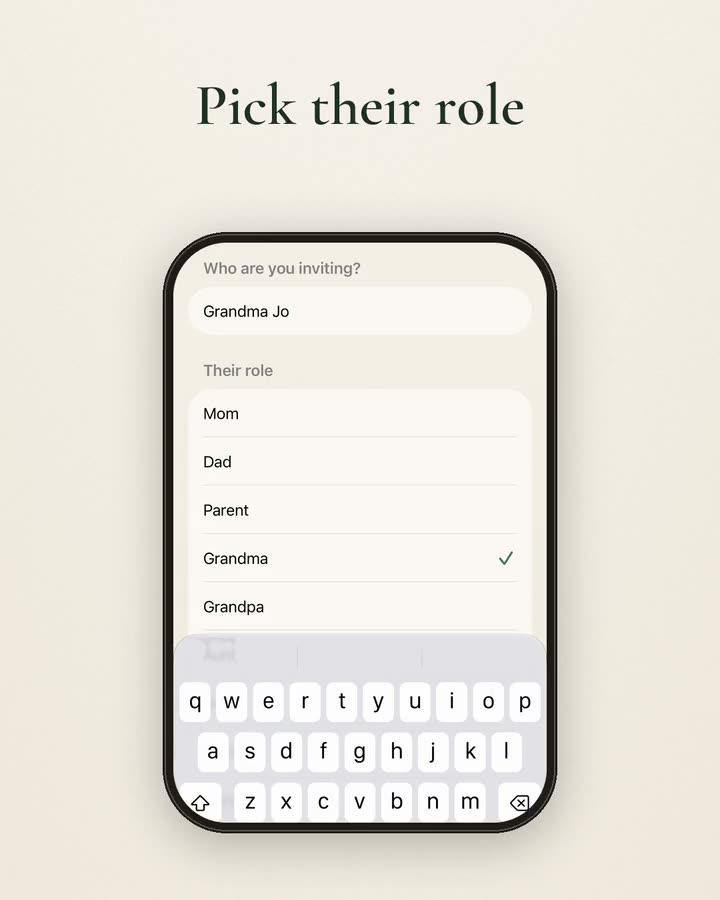
Invite family and helpers
Homeschool is a family effort. Invite a grandparent, the other parent or a tutor so they can capture moments too. Steps for iPhone and Android.
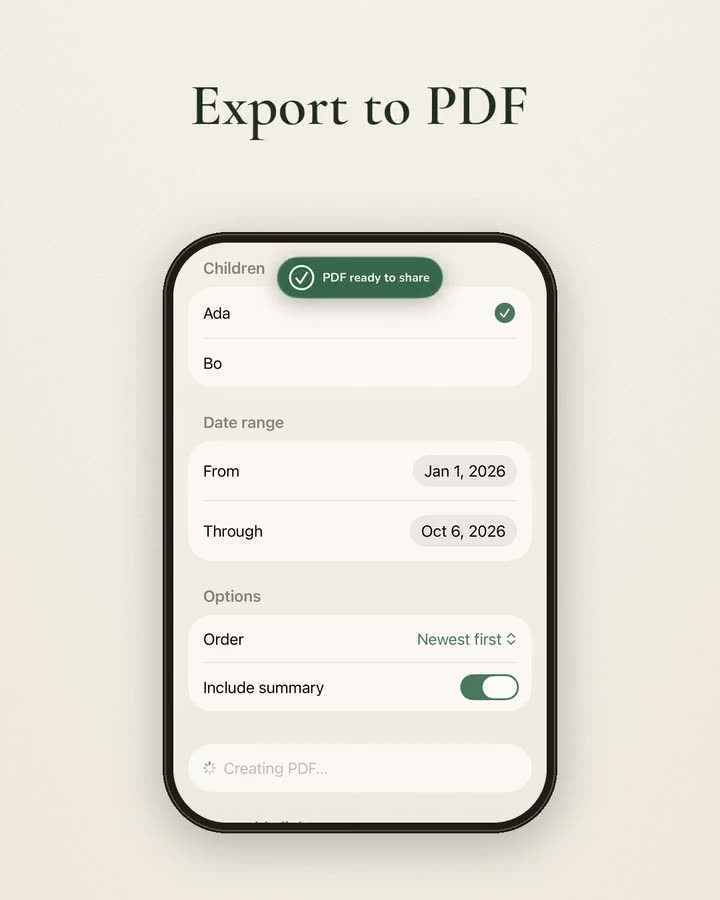
Export a portfolio PDF
Need records for your evaluator? Choose the child and the dates and export a homeschool portfolio PDF to save, print or share. iPhone and Android steps.
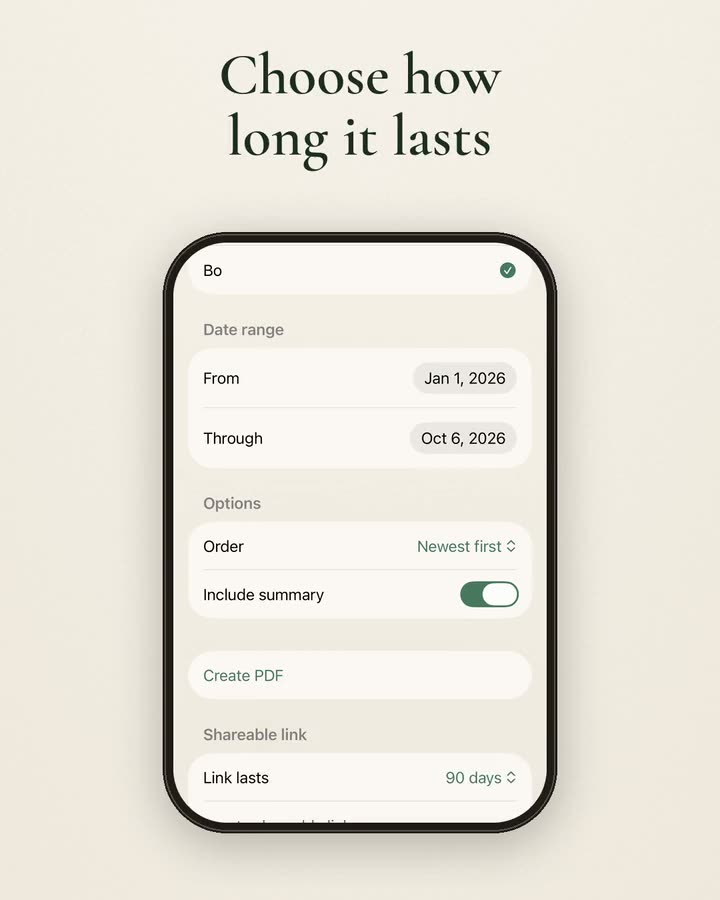
Share a link with your evaluator
Make a shareable link to your homeschool moments that lasts 7, 30 or 90 days and stops working on its own. Steps for iPhone and Android.
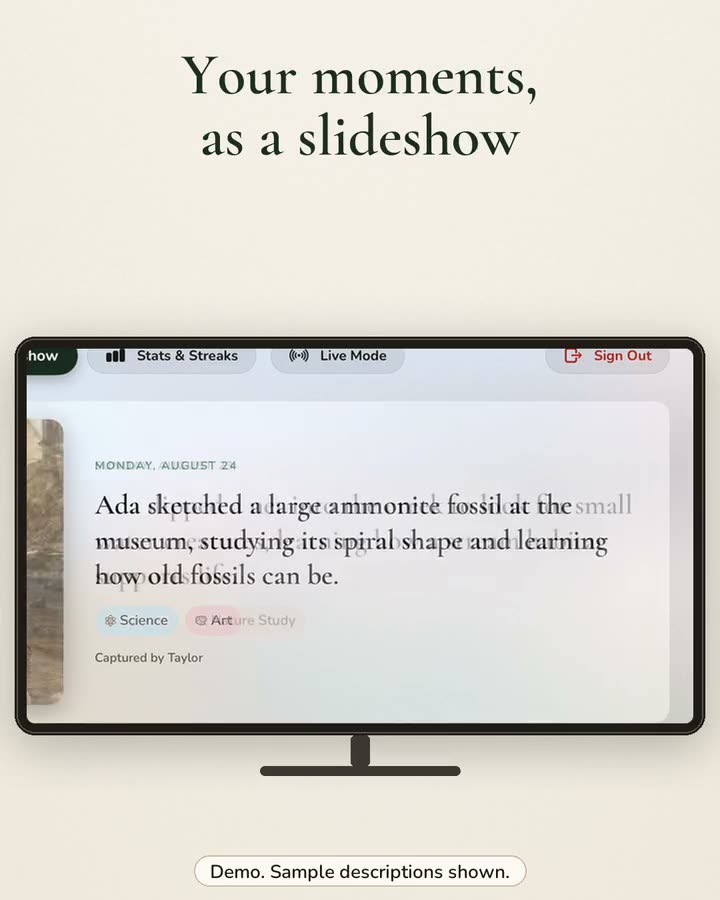
Watch your moments on Apple TV
Play your family’s homeschool moments as a slideshow on Apple TV, see your stickers and watch new moments arrive. How to set it up.
Keep caption writing on your iPhone
Choose On Device Only and your iPhone writes each description itself with Apple Intelligence, with no fallback to another provider. Android option too.
Back up your records
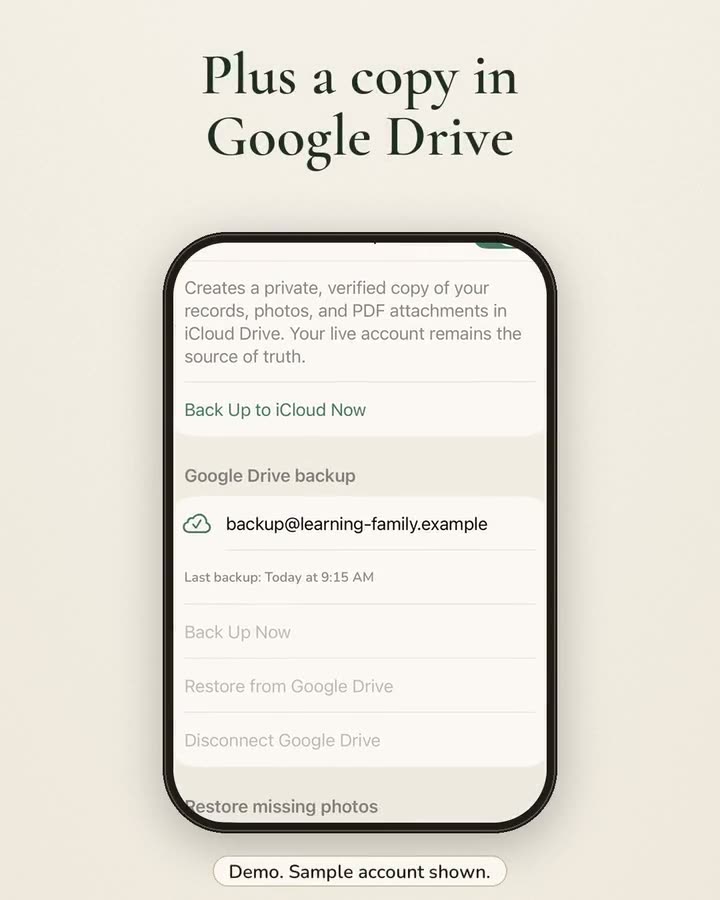
Turn on automatic iCloud Backup and keep an extra copy in Google Drive, so your homeschool records are safe. Steps for iPhone and Android.
Catch up with Bulk Import
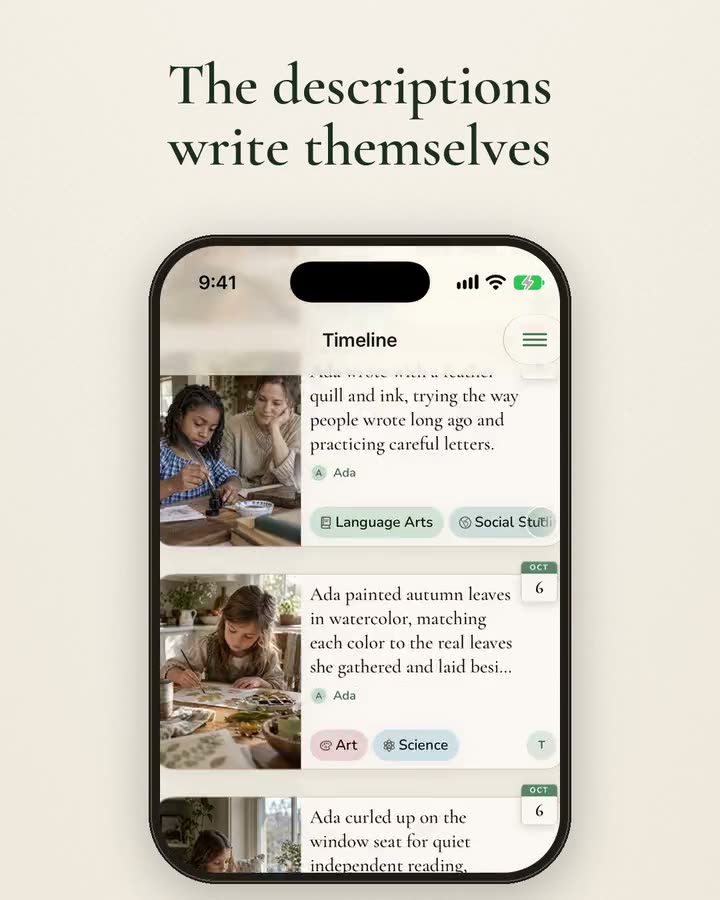
Behind on records? Pick up to 50 photos at once and each one becomes a dated moment with its own description. Steps for iPhone and Android.
Get Homeschool Moment
Free to download for iPhone and Android.